
If you’re like many Filipino families, you probably manage electricity, water, internet, SSS, PhilHealth, and even insurance bills across different apps. Missing even one due date can lead to penalties or a stressful service interruption. And considering how inflation affects current interest rates, missing or even delaying payment could prove to be even more burdensome than just doing it on time.
This is why more Filipinos—including OFWs, caregivers, and busy households—now use all-in-one dashboards inside GCash, Maya, Coins.ph, Bayad Online, and Meralco Online. These tools help track due dates, store all billers in one place, and provide secure ways to pay anytime.
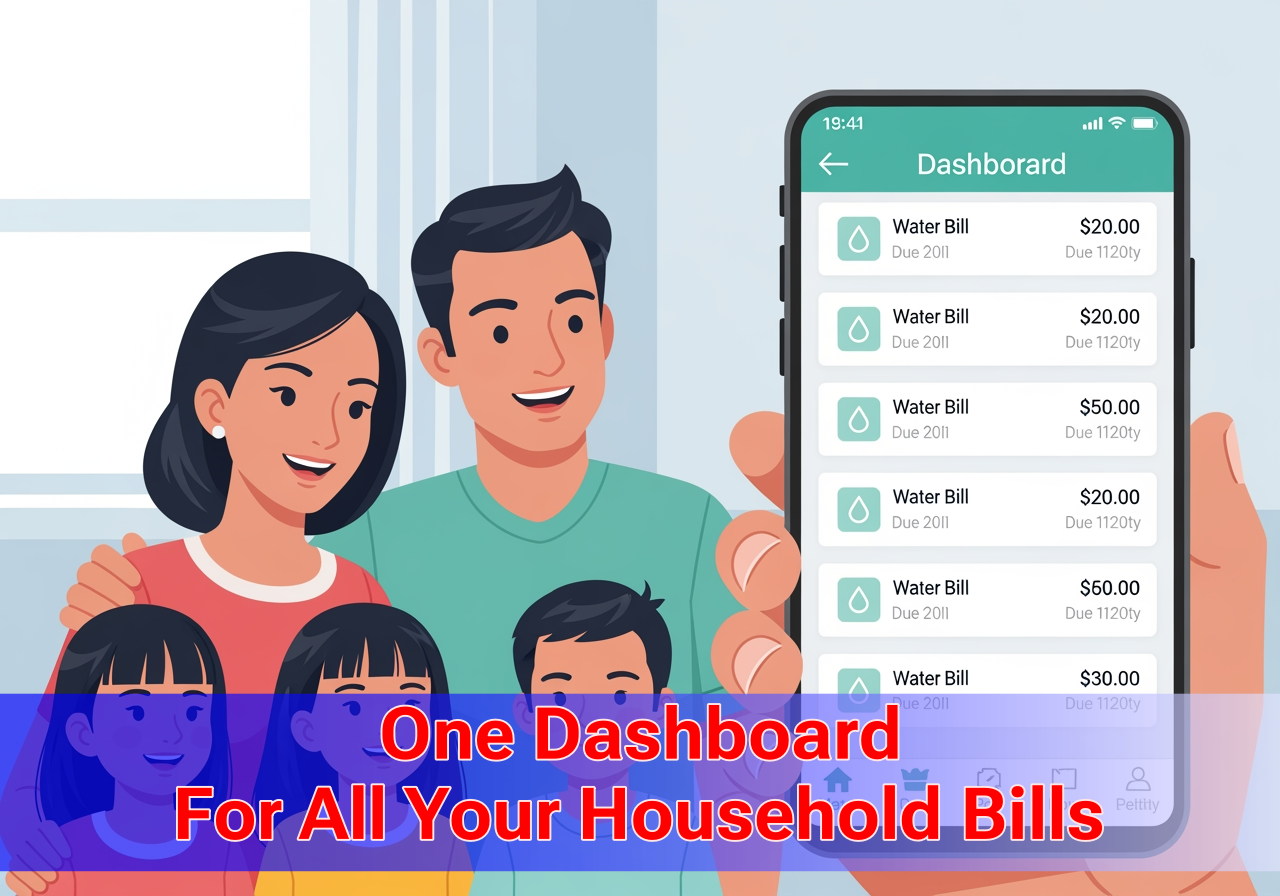
Perks of Going Online With a Unified Bills Dashboard
Managing bills online is not just about convenience—it’s about staying organized and stress-free. With a unified dashboard, you can view all your bills in one place instead of jumping across apps, receipts, and folders. This helps you catch upcoming due dates earlier and avoid penalties.
You also get real-time confirmations, so there’s no guessing if your payment went through. Most dashboards save your payment history automatically, making it easier to track monthly spending and share proof with family members or landlords.
Another advantage is custom reminders. Instead of relying on memory or scattered SMS alerts, the dashboard notifies you when it’s time to pay. For OFWs and busy households, this reduces the mental load of managing finances from afar.
Security is also a major plus. Today’s apps use biometrics, encryption, OTPs, and BSP-regulated protections, making online payments safer than carrying cash or relying on paper bills.
All of these perks add up to one thing: less time managing bills, more time for the things that matter.
Top Apps With “One Dashboard” Bill Tracking
| Platform | Key Features | Best For |
| GCash | 1,900+ billers, biometric security, Bill Protect, favorite billers | Large ecosystem and secure payments |
| Maya | Digital bank-level security, recurring reminders, saved billers | Users who want banking + bills in one |
| Coins.ph | 120+ billers, crypto wallet + utilities, BSP regulated | Tech-savvy Filipinos |
| Bayad Online | Traditional aggregator now fully digital | Families familiar with Bayad Center |
| Meralco Online | Direct bill dashboard, usage history, reminders | Metro Manila households |
| CLiQQ App (7-Eleven) | Bills payment tied to retail convenience | Users who prefer in-store + app flexibility |
How to Track All Your Bills in One Dashboard
- GCash Bills Dashboard – Step-by-Step
Why people use it: GCash has the largest network of billers. Many Filipinos treat it as their main “one dashboard.”
Steps:
- Open the GCash app and tap Bills.
This takes you straight to the dashboard of available categories. - Choose your biller (Meralco, Manila Water, PLDT, Globe, SSS, etc.).
Search is available if you’re in a hurry. - Enter account details and amount.
Double-check account numbers to avoid rejections. - Review and confirm.
GCash shows fees—many billers are free. - Get confirmation via SMS/email.
Save this for proof of payment.
Extra Tips
- Save as Favorite to build your bill dashboard.
- Set scheduled payments for recurring bills like internet and postpaid plans.
- Maya Bills Dashboard – Step-by-Step
Why people use it: Maya acts as both e-wallet and digital bank, so many users prefer its security.
Steps:
- Log in and tap Bills.
- Select your biller (MERALCO, Maynilad, VECO, etc.).
- Input account name, number, and due date.
- Enter payment amount.
- Confirm and submit.
- Receive SMS confirmation.
Extra Tips
- Save up to 20 favorite billers.
- Turn on recurring reminders tied to due dates.
- Coins.ph Bills Dashboard – Step-by-Step (Help Center + Guides)
Why people use it: Digital natives who like crypto + utilities use Coins as an “all-in-one” wallet.
Steps
- Open Coins.ph → Discover → Pay Bills.
- Choose bill type (utilities, government, loans, insurance).
- Enter account details and amount.
- Tap Confirm.
- Receive an email confirmation.
Notes
- Some bills post instantly; others take 1–3 business days.
- Users like using Coins for Pag-IBIG, PhilHealth, and water bills.
- Bayad Online Dashboard – Step-by-Step
Why people use it: Generations grew up with Bayad Centers; the online portal keeps the same reliability.
Steps
- Go to Bayad Online and register.
- Select biller from categories.
- Enter account details and amount.
- Confirm using OTP for security.
- Track payments in your Bayad dashboard.
Extra Tip
Turn on Bill Reminder for due date notifications.
- Meralco Online
Why people use it: Meralco posting is near real-time and includes consumption history.
Steps
- Download Meralco Mobile or log in via browser.
- Access your Meralco account dashboard.
- Tap Pay Now.
- Choose payment method (GCash, Maya, bank, card).
- Receive confirmation and track posting.
Extra Tip
Switch to paperless billing so your monthly statements stay inside the dashboard.
What Makes These Apps Safe?
Trust and security concerns stop many Filipinos from switching. Addressing this upfront helps readers move from curiosity to adoption.
Security Layers Usually Found Across These Apps
- BSP regulation for wallets and digital banks
- Biometric logins (fingerprint/FaceID)
- Encrypted transactions
- SMS + email confirmations
- Insurance-backed protections like GCash’s Bill Protect
These reduce fear of scams—especially helpful for OFWs sending money home.
Frequently Asked Questions
- Is it safe to manage all bills in one dashboard?
Yes. Apps like GCash, Maya, Coins.ph, and Bayad Online are regulated by BSP and use biometric logins, OTPs, and encryption. - Will my payments post instantly?
Some billers post instantly (Meralco, major telcos). Others may take 1–3 business days. Always check confirmation messages. - Can OFWs pay bills using these dashboards?
Yes. OFWs can use Philippine e-wallets abroad if they have verified accounts and stable internet. - What if I lose internet while paying?
Transactions usually resume once connection returns. If unsure, check your payment history before repeating the request. - Which app is best for beginners?
GCash and Bayad Online are easiest for first-time digital users, while Maya and Coins.ph offer more advanced features.
Final Thoughts
Using aggregator apps like GCash, Maya, Coins.ph, Bayad Online, and Meralco Online helps Filipinos track and pay all bills in one dashboard, avoid penalties, and simplify monthly financial management. With verified step-by-step guides and security features in place, it’s now easier than ever to manage your finances in one place.